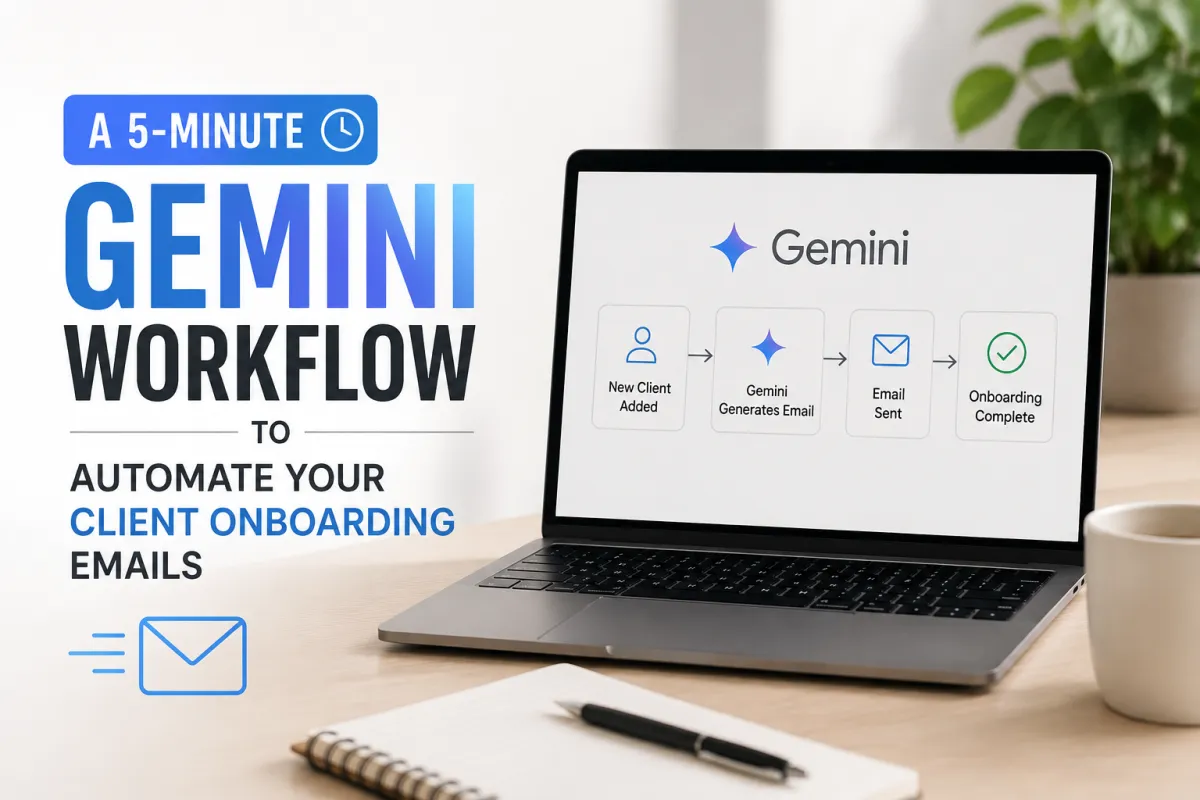
A 5-Minute Gemini Workflow to Automate Your Client Onboarding Emails
By Najla, The AI Power Users · Updated June 2026
A new client signs, and then they wait — sometimes days — for a welcome email I should have sent in minutes. That gap quietly kills trust. The fastest fix I've found is a 5-minute Gemini workflow that drafts a whole client onboarding email sequence I can reuse forever, so no new client ever sits in silence again.
Here's the honest version: Gemini won't run your business on autopilot. But it will turn "I'll write that onboarding sequence someday" into a reusable, on-brand set of emails you build once in five minutes and send to every client after.
This is the no-fluff walkthrough: the exact workflow, the prompt I paste, and where to let a human take over.
What does a 5-minute Gemini onboarding email workflow actually look like?
It's five steps: open Gemini, paste one structured prompt, generate the full sequence, edit for your voice, then save the emails as reusable Gmail templates. Build it once, reuse it for every client.
A Gemini client onboarding workflow is a repeatable process where Google's AI drafts a multi-email welcome sequence from one prompt, which you then save as templates to send new clients. It replaces writing each onboarding email from scratch.
Here's the exact 5-minute flow:
Minute 1 — Open Gemini (the Gemini app or Gemini in Gmail).
Minute 2 — Paste the R-O-C prompt below with your real business details.
Minute 3 — Generate the full 4-email sequence.
Minute 4 — Edit for your voice and add any specifics.
Minute 5 — Save each email as a Gmail template (or a Gem) for reuse.
The five minutes is a one-time cost. Every client after that is a 30-second send.
Why automate client onboarding emails at all?
Because the first 48 hours after someone pays sets the tone for the whole relationship. A fast, clear welcome sequence reduces confusion, cuts "what happens next?" emails, and makes a small business feel organized and premium.
In the businesses I work with, the same three problems show up without an onboarding sequence:
Silence after the sale — clients feel buyer's remorse when nothing arrives.
Repeated questions — the same "how do I…" emails eat your week.
Inconsistent first impressions — every client gets a different, rushed welcome.
A consistent client onboarding email sequence turns the riskiest moment in the relationship — right after payment — into your most reassuring one. Automating the drafting with Gemini is what makes "consistent" actually happen when you're busy.
What's the exact Gemini prompt to write your onboarding sequence?
Paste this into Gemini, fill the brackets, and it drafts the full sequence. It uses the R-O-C Framework so the output is usable on the first try.
Role: You're a client experience specialist for a [TYPE OF BUSINESS].
You write warm, clear, professional emails — no corporate fluff.
Outcome: Write a 4-email client onboarding sequence:
1. Instant welcome + what happens next
2. What I need from you (info/access) + how to send it
3. Timeline + how we'll communicate
4. Quick win / first deliverable + how to reach me
Keep each email under 150 words, 7th-grade reading level,
with a clear subject line and one call to action each.
Context:
- Business: [WHAT YOU DO]
- Client type: [WHO THEY ARE]
- What I need from them: [DOCS, ACCESS, ANSWERS]
- My tone: [3 adjectives]
- How we communicate: [EMAIL / PORTAL / CALLS]
- Mark anything I must personalize with [INSERT].
The single move that makes AI onboarding emails usable is giving Gemini the exact sequence structure and your real client details — not just asking it to "write a welcome email." Structure plus context is the whole difference between a template you'd send and one you'd delete.
How do you make Gemini send or schedule them inside Gmail?
Gemini drafts inside Gmail, but you still control sending — it's a drafting assistant, not an unattended autoresponder. Gemini for Workspace is Google's AI built into Gmail, Docs, and Sheets that can draft and refine emails directly in your inbox. You save the approved drafts as templates and send or schedule them yourself.
The reliable setup:
Draft in Gmail — Gemini for Workspace writes the email right inside the compose window.
Save as templates — store each email as a Gmail template (Settings → Advanced → Templates) for one-click reuse.
Schedule sends — use Gmail's native "Schedule send" to time follow-ups.
For true automation — connect a tool that triggers templates on a signal (a signed contract, a form submit), but keep a human approving the first send.
Don't hand the actual sending to AI unattended. A wrong-name welcome email is worse than a slightly slower one.
What should a client onboarding email sequence include?
Four emails covering welcome, what you need, timeline, and first win. Each does one job and asks for one thing — that's why short sequences outperform one long welcome wall.
A strong onboarding sequence is four short emails — welcome, requirements, timeline, first win — each with a single clear action. Gemini drafts all four from one prompt; you personalize the brackets per client.
Keep them short. A client who reads four 100-word emails is better onboarded than one who ignores a 600-word manual. (For the prompt structure powering this, see the [R-O-C Framework](INTERNAL: /roc-framework).)
Where does this break — and what should stay human?
It breaks when you treat AI drafts as final or let them send unsupervised. The first time I sent a Gemini draft without reading it, a placeholder slipped through to a real client — the "[INSERT client name]" tag, live in their inbox. Embarrassing and avoidable.
AI should draft your onboarding emails, but a human must approve every send — placeholders, wrong names, and tone misses are exactly what unattended automation ships. Treat the output as a strong first draft, never a sent message.
Two more honest limits:
Personalization — the warm, specific line about this client is yours to write; AI can't fake it.
Sensitive accounts — high-value or delicate clients deserve a fully human welcome, not a template.
The workflow saves the drafting time. Your judgment still owns the relationship. (Not sure which tools belong in your kit? Start with the [AI Starter Stack](INTERNAL: /ai-starter-stack).)
Frequently asked questions about automating client onboarding emails
Can Gemini write a full client onboarding email sequence? Yes. With one structured prompt, Gemini drafts a multi-email welcome sequence — welcome, requirements, timeline, and first win — in minutes. You edit for voice and save the emails as reusable templates. The output is a strong first draft, not a final send.
Can Gemini automatically send onboarding emails? Gemini drafts emails inside Gmail but doesn't send them unattended on its own. You save approved drafts as templates and use Gmail's Schedule send, or connect a separate automation tool. Always keep a human approving the first send.
How long does it take to set up a Gemini onboarding workflow? About five minutes for the one-time build: open Gemini, paste a structured prompt, generate the sequence, edit, and save as templates. After that, sending to each new client takes seconds.
What should a client onboarding email sequence include? Four short emails: an instant welcome, a request for the info or access you need, a timeline with communication norms, and a first win or deliverable. Each email should ask for one clear action.
Do I need Google Workspace to use Gemini for onboarding emails? You can draft in the free Gemini app and paste into any email tool. Gemini for Workspace adds the convenience of drafting directly inside Gmail, which is smoother if your business already runs on Google.
Your next step: build the sequence once this week
Block five minutes, paste the prompt above with your real details, and generate your onboarding sequence today. Save the four emails as templates and you'll never write a welcome from scratch again.
Want this prompt plus my full plug-and-play set? Comment or DM PROMPTS and I'll send you the R-O-C prompt pack, including the onboarding sequence. And if you'd rather have your whole client workflow mapped and automated for you, grab a free AI audit at the /audit funnel — I'll show you the three highest-ROI workflows to automate first.
The five minutes you spend today is the silence every future client won't sit in. Go build it.
This article is informational and reflects firsthand experience setting up AI email workflows for service businesses; it is not legal or financial advice. Tool names and features referenced as of June 2026 — verify current details on Google's official site.
Last updated: June 2026 · By Najla, The AI Power Users
